Download links use the US App Store; availability depends on your Apple Account region. Store names and languages may differ. Captures retain the Chinese interface shown on this iPhone. If Maps or Translate is already installed, open it directly.
For a first China trip on iPhone, prepare a payment wallet, a map, a translation tool and the booking channels your route needs. Add a planning companion such as trisAino to organize the route and preparation. Some tools are already on your phone; others are optional or accessible through mini-programs.
The useful question is what you will open each app to do. A short city stay and a multi-city rail trip need different setups. Start with the task map below, then finish the relevant account setup while you still have time to resolve verification issues.
| Task | Apps to consider | Before you depend on it |
|---|---|---|
| Plan and prepare | trisAino ↗ | Build a route and work through relevant setup tasks. |
| Pay | Alipay; WeChat / Weixin Pay | Set up one primary wallet; keep a backup. |
| Navigate | Apple Maps; Amap as an alternative | Search your actual destinations and save Chinese addresses. |
| Translate | Apple Translate | Download supported languages and test a short phrase offline. |
| Get a ride | DiDi or an available mini-program | Check pickup, account access and payment. |
| Book | Railway 12306; Trip.com or your existing provider | Install according to your route and existing bookings. |
01 / PAY & CONNECT
Alipay and WeChat: give each a clear job
Alipay is a practical starting point for QR payments. WeChat is useful for contacting people and accessing mini-programs, with Weixin Pay providing another payment route when your account and card are supported. You may use both during the trip, but set up one working payment route first.
Register before flying, follow identity-verification prompts and link an eligible international card. Find the scan and payment-code screens, review fees and limits, and confirm that bank verification messages will remain accessible abroad. Opening a wallet successfully does not establish that every merchant or mini-program will accept your card.
Keep a physical card and some RMB cash as backup. After arrival, use a small legitimate merchant purchase to check your payment setup. For WeChat contacts, save the correct account or contact details before you need to coordinate a meeting or arrival.
Alipay
Developer: Alipay (Hangzhou) Technology Co., Ltd.
View / download on the App Store ↗
Developer: WeChat
View / download on the App Store ↗
02 / FIND YOUR WAY
Start with Apple Maps; add a local map if your route needs it
For an iPhone setup, start by searching your actual hotel and arrival station in Apple Maps. Check the full address and entrance, then preview the first journey. Amap (Gaode Maps) is another option to evaluate if you want a local mapping app; check the current language options in the version available to you.
Save the Chinese place name and address in a separate note. For large stations, airports and hotels with similar names, the entrance or terminal matters as much as the map pin. Share the Chinese address when confirming a destination with a driver or host.
Do not assume you can download an offline Apple map for every Chinese destination. Apple limits offline maps by region. Check whether Download is offered for the exact area; keep address and route screenshots regardless. A saved screenshot is a reference, not live turn-by-turn navigation.
Apple: offline map availability
Apple Maps
Developer: Apple
View / download on the App Store ↗
AMap / Gaode Maps
Developer: AutoNavi Information Technology Co. Ltd.
View / download on the App Store ↗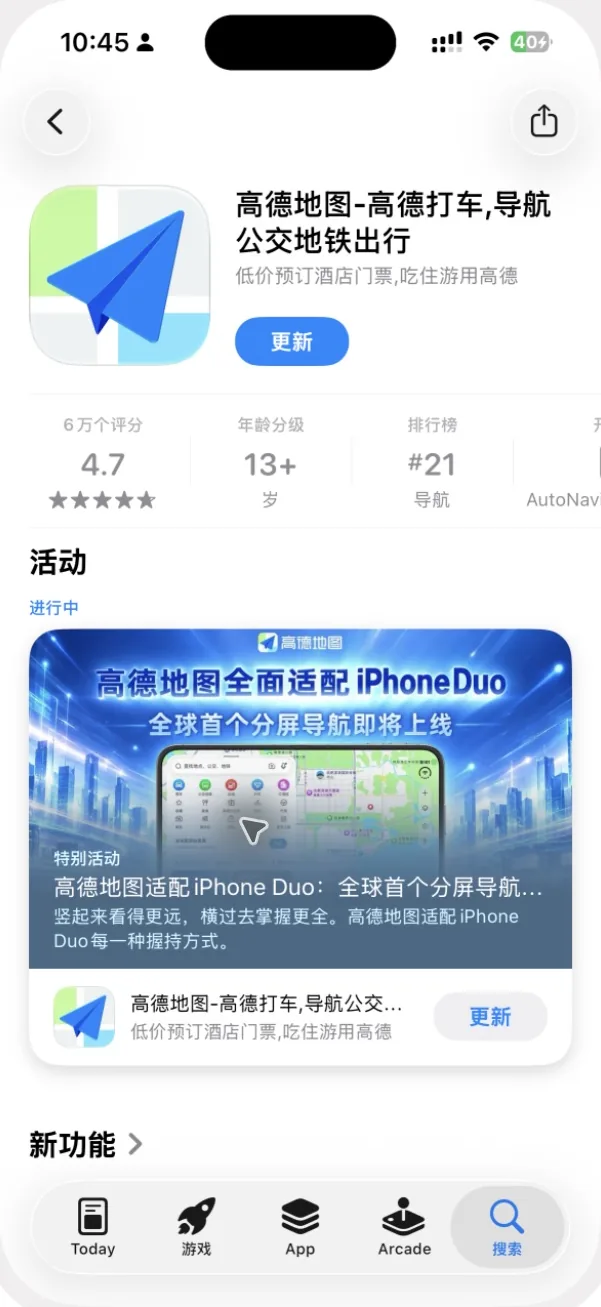
03 / UNDERSTAND & EXPLAIN
Use a translation app for short, specific exchanges
Apple Translate is a useful option to set up on iPhone. Download the languages you need where supported, and try a short English-to-Chinese phrase in airplane mode. Check the features available on your particular iOS version rather than assuming text, voice and camera translation all behave identically offline.
Prepare useful phrases such as “Please take me to this address” or “Does this dish contain peanuts?” Keep each request short, show the screen and allow the other person to respond. For an allergy, confirm the ingredient and preparation details directly; a translated sentence alone cannot establish that a meal is suitable.
Apple: downloaded languages and On-Device Mode
Apple Translate
Developer: Apple
View / download on the App Store ↗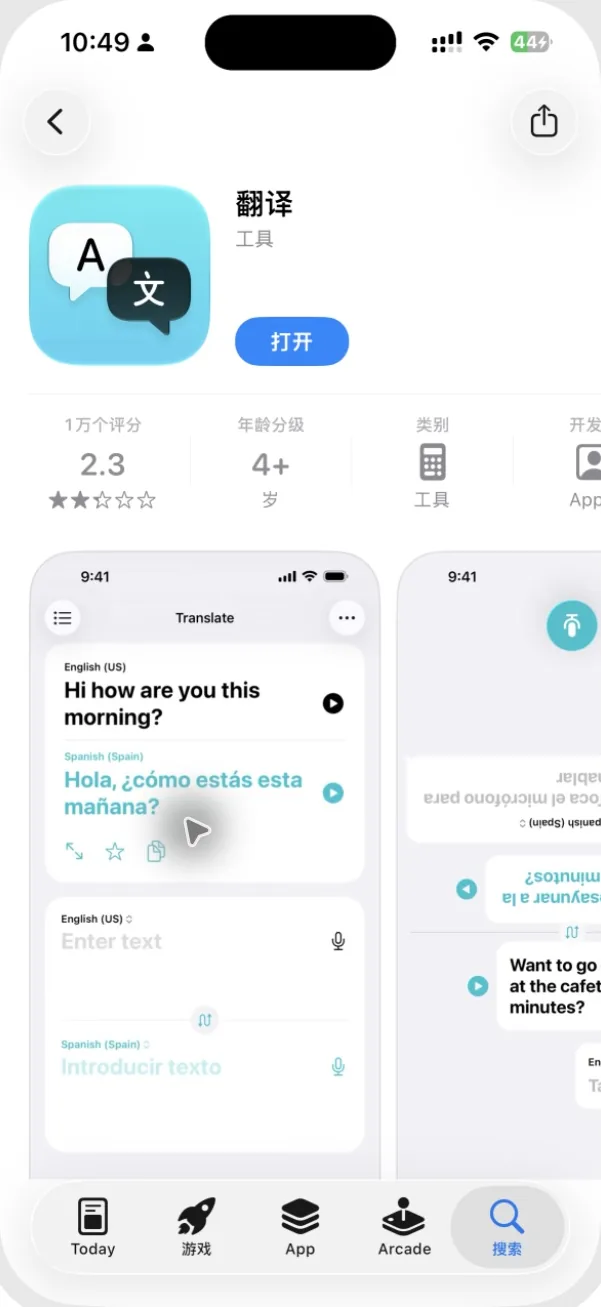
04 / BOOK A RIDE
Choose one ride-hailing route you can actually use
DiDi is a ride-hailing option for travel in China; Chinese government guidance also describes access through Alipay and WeChat. Depending on the version and account available to you, a mini-program may cover your needs without a separate app. Check the language, registration and payment flow before depending on it.
For your first ride, check the pickup point as carefully as the destination. An airport pickup area may differ from the terminal exit. Before boarding, match the vehicle and plate to the booking, and confirm the destination. You can inspect the app before departure without placing a test ride order.
Government guide: transport and mobile services
DiDi China
Developer: Didi Chuxing (Beijing) Network Platform Technology Co., Ltd.
View / download on the App Store ↗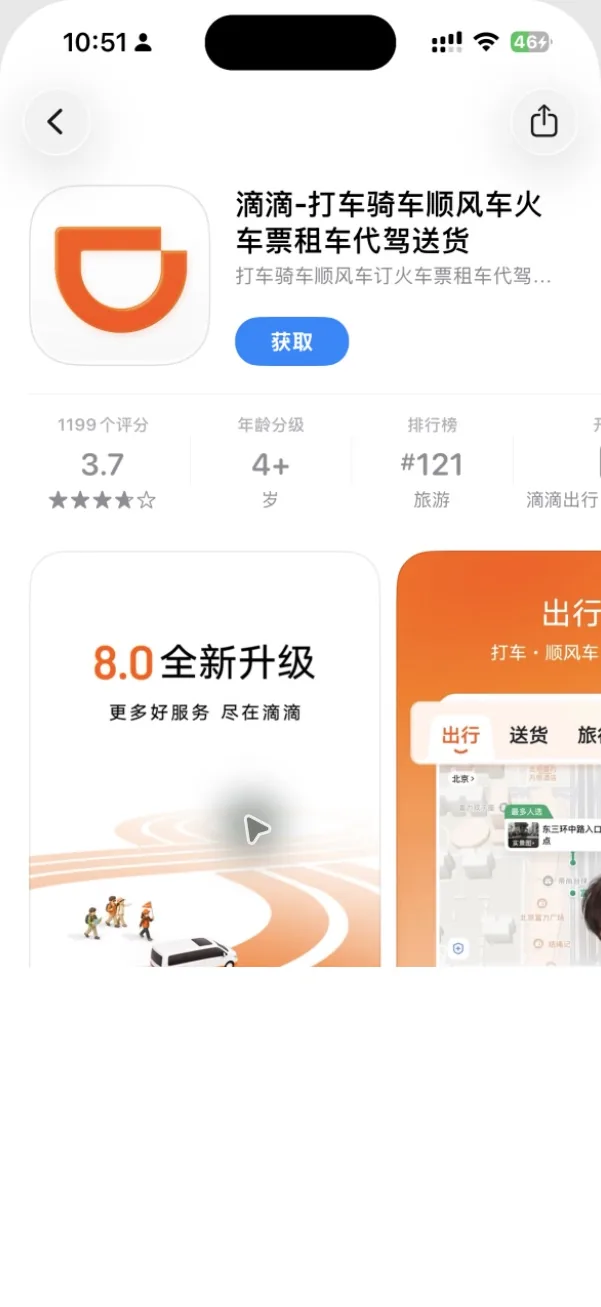
05 / RESERVE & CONFIRM
12306 for rail; a booking platform for the reservations you choose
If your itinerary includes trains, consider Railway 12306. Its English website and app support foreign-passport users, and account setup may involve identity checks. Set up early and follow the passenger-name instructions for the passport you will carry. A city without a train journey in your plan does not create a need for a rail app.
Trip.com is an example of a booking platform to consider for hotel, flight or train reservations. If you already booked elsewhere, keep that provider’s app or confirmation channel instead of moving every reservation into a new tool. Compare the actual price, cancellation terms and support route before purchasing.
Keep the distinction between a request and a confirmed booking clear. Save the final confirmation, full station or property name and passenger details. Use the same document required for the reservation when traveling; an itinerary suggestion or booking screenshot does not replace your passport.
MTR: the English 12306 platform
Railway 12306
Developer: ACADEMY OF RAILWAY SCIENCES CO., ltd.
View / download on the App Store ↗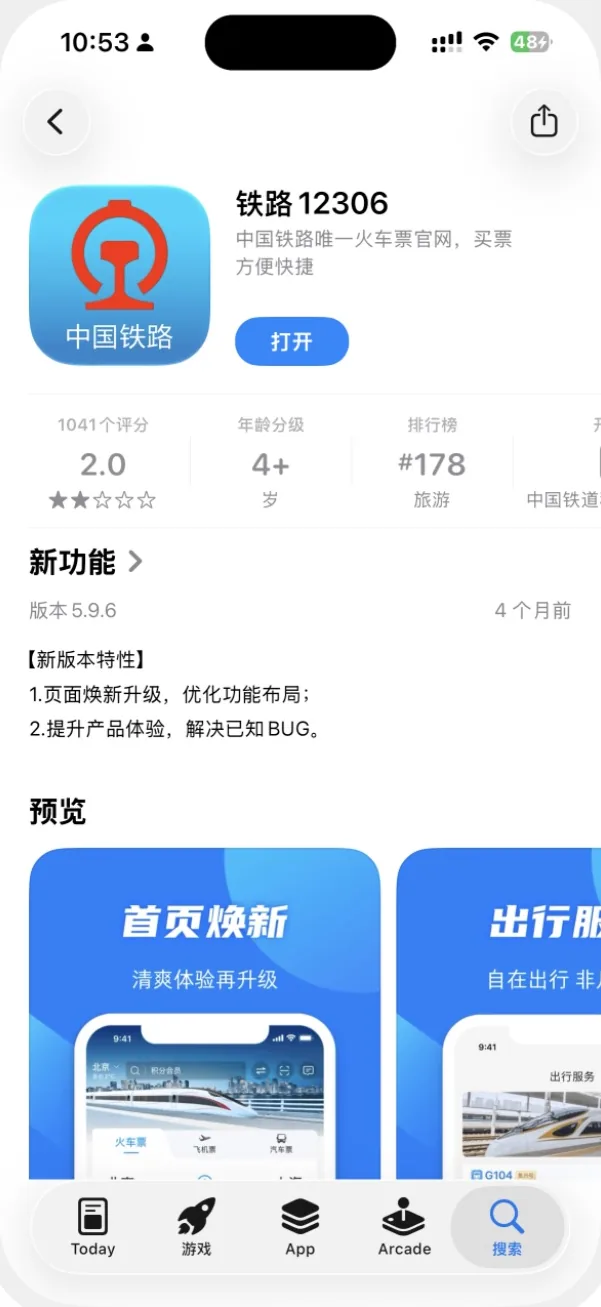
Trip.com
Developer: Trip.com Travel Singapore Pte. Ltd.
View / download on the App Store ↗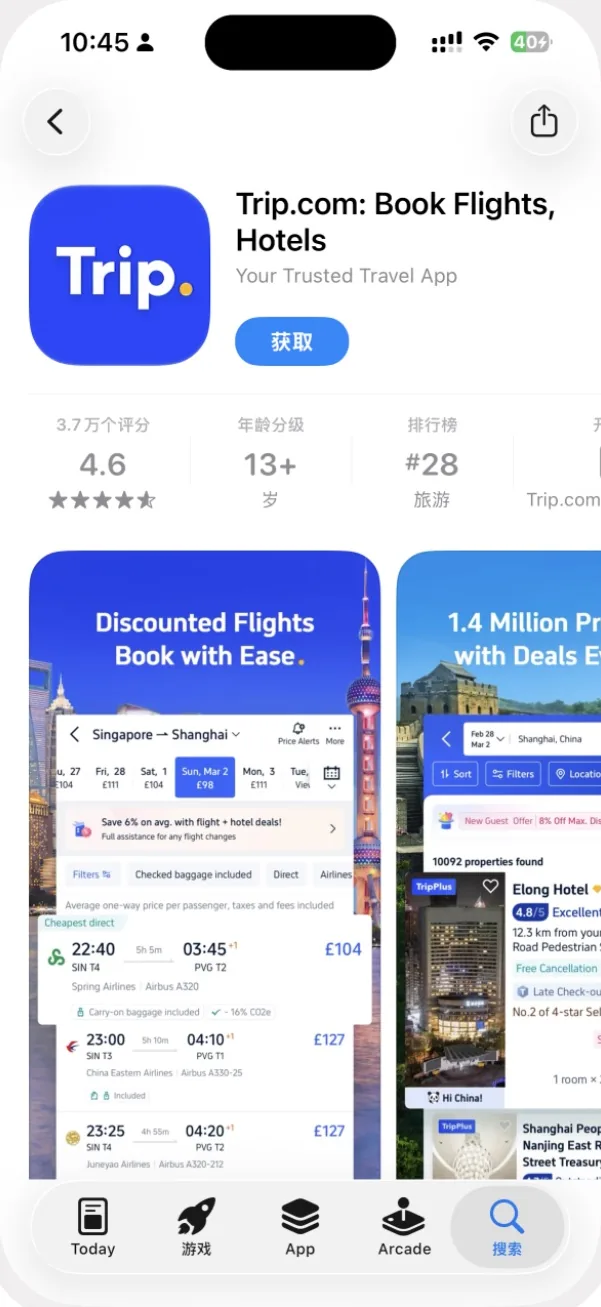
06 / PLAN & PREPARE
Use trisAino to connect the planning and preparation
Payment, mapping and booking apps handle individual transactions. trisAino is the planning and preparation layer: its iPhone app offers personalized day-by-day itineraries, practical China guidance and optional human Concierge support. Use it to shape the trip and identify which tools your own route requires.
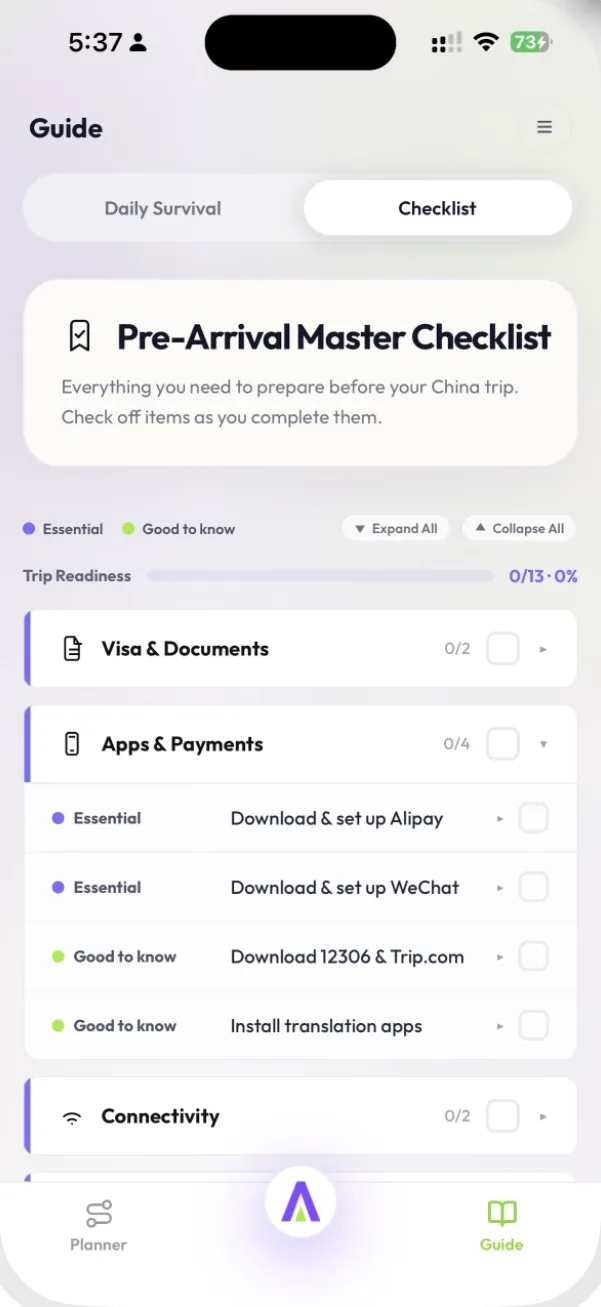
In Guide → Checklist, the Apps & Payments category groups setup tasks such as Alipay, WeChat and translation tools. Work through the relevant items and check off what you have completed. The Guide also organizes topics for use after arrival, including transport, payments and dining.
Confirm each reservation separately through its booking channel. If you want human help, check Concierge’s current scope, availability and service hours. The app is free to download with in-app purchases; consult the current in-app options for paid content and services.
trisAino
Developer: Shanghai Tubaner Technology Development Co., Ltd.
View / download on the App Store ↗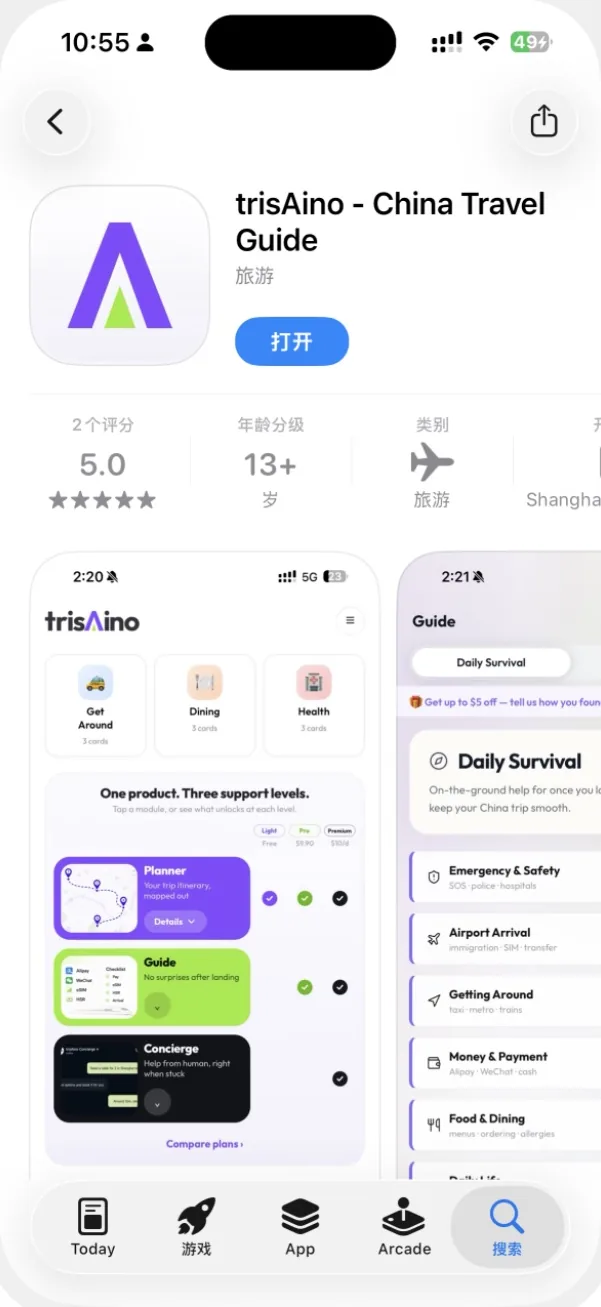
Make the setup usable in one short practice session
- Create a “China Trip” folder on your home screen and put your main tools together.
- In Maps, find the accommodation and the correct arrival terminal or station. Save the Chinese address in Notes.
- In Translate, test a short phrase with any supported downloaded language files.
- Open your wallet and locate the payment screen. Confirm access to bank authentication.
- Open your booking confirmation and check the full destination name, date and passenger details.
- In trisAino, review the relevant preparation tasks and the day-by-day route.
Arrange mobile data separately: roaming, a compatible travel eSIM or a suitable local SIM. Installing travel apps does not provide connectivity. Also save the arrival address and booking details locally, then test that those files open in airplane mode.
For the wider preparation process, use our first China trip checklist.
Common questions
Do I need all these apps?
Choose by task. You may already have Maps and Translate, and mini-programs can reduce separate installations. Rail and booking tools depend on your actual reservations.
Does a travel eSIM replace my regular phone number?
Check the exact plan. A data-only eSIM does not automatically provide a local number or SMS reception; keep access to your account-verification channels.
Can trisAino replace payment and booking apps?
Use it to plan and prepare, then complete payments and confirm reservations through the appropriate providers. Optional human assistance has its own scope and service conditions.